new to Delight EDU, so I’m still learning how to code. I’d like to use it in my game to make a car and a bicycle move separately. For example, I want the car to drive across the street first, followed by the bicycle.
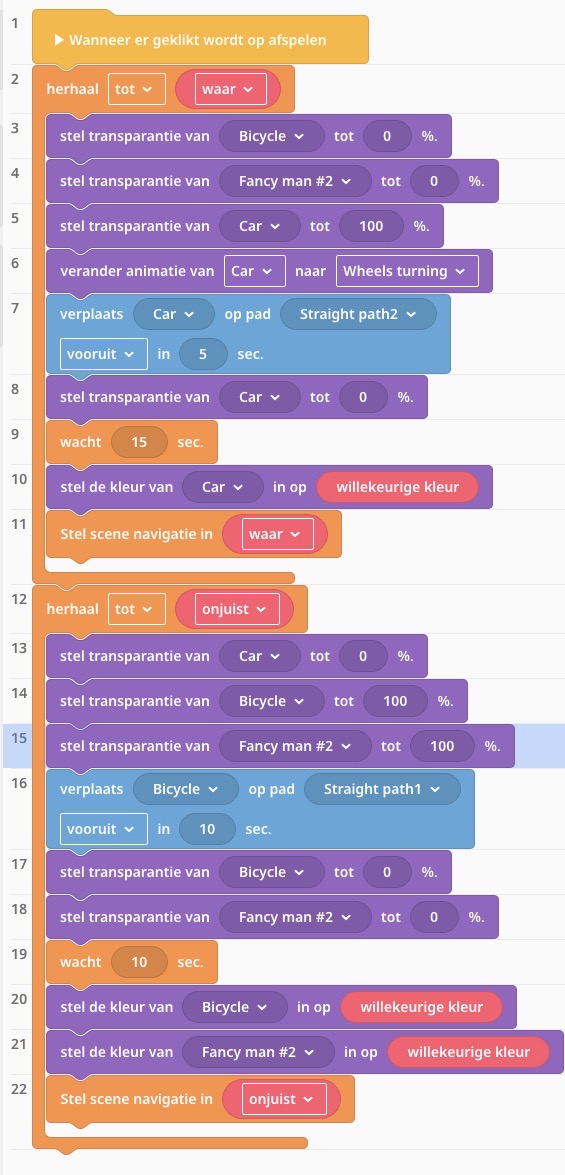
I can provide a screenshot if you could help me figure out what’s going wrong. I’ve been using the true/false scene settings to make sure they move separately, but I haven’t quite managed to get it working yet.
Hi there snouk, I can help you fix the code up but one quick question, are you wanting the car to move, and then the bicycle to move. And then after that the process repeats?
You can use wait second coblock to wait second transport to go.Why are there a girl when you coblocking?What do the girl need to do? Walk by her self first and wait a little bit and transport start going?
I have indeed tried using that (without the tutorial) And It Would just not work but I Can Try using it with the tutorial And See if I can get it to work!
Basically once the car finishes, the bike moves, and then the car and then so on and so forth. If your trying to get them to move at the same time as each other, the problem is that your setting one to invisible and the other to visible, so it may look like only the car or only the bike is moving along the path. Also I believe the problem you had before (if the link I sent you is what your after) is that the repeat until false is used for variables. For eg you could have a “moving variable” while the car is moving set it to true and once it finishes false, and then it will stop. The code I like to use for these kind of things is
run separately→forever→(code)
Which basically repeats whatever is inside the forever loop, and the run separately part just means it doesn’t interfere with other code below it. Because if the forever code isn’t isolated it will stop anything below the code
Here an explanation for the code in the link I sent you so you can use those sorta things in the future. I explained the run separately and forever part above. Basically it starts by making the person and the bicycle invisible, makes the car visible, moves it along a path (you can also use things like move forward X meters, or move to (position of X object) etc etc) and then makes it invisible when it reaches the end of the path, turns it into a random colour, and then the bicycle and man is turned visible, and does exactly what the car does. and then once it’s finished it repeats the cycle. So the car will be visible and move, turn invisible and then the bicycle will turn visible, move, turn invisible, etc.
 I could help you maybe?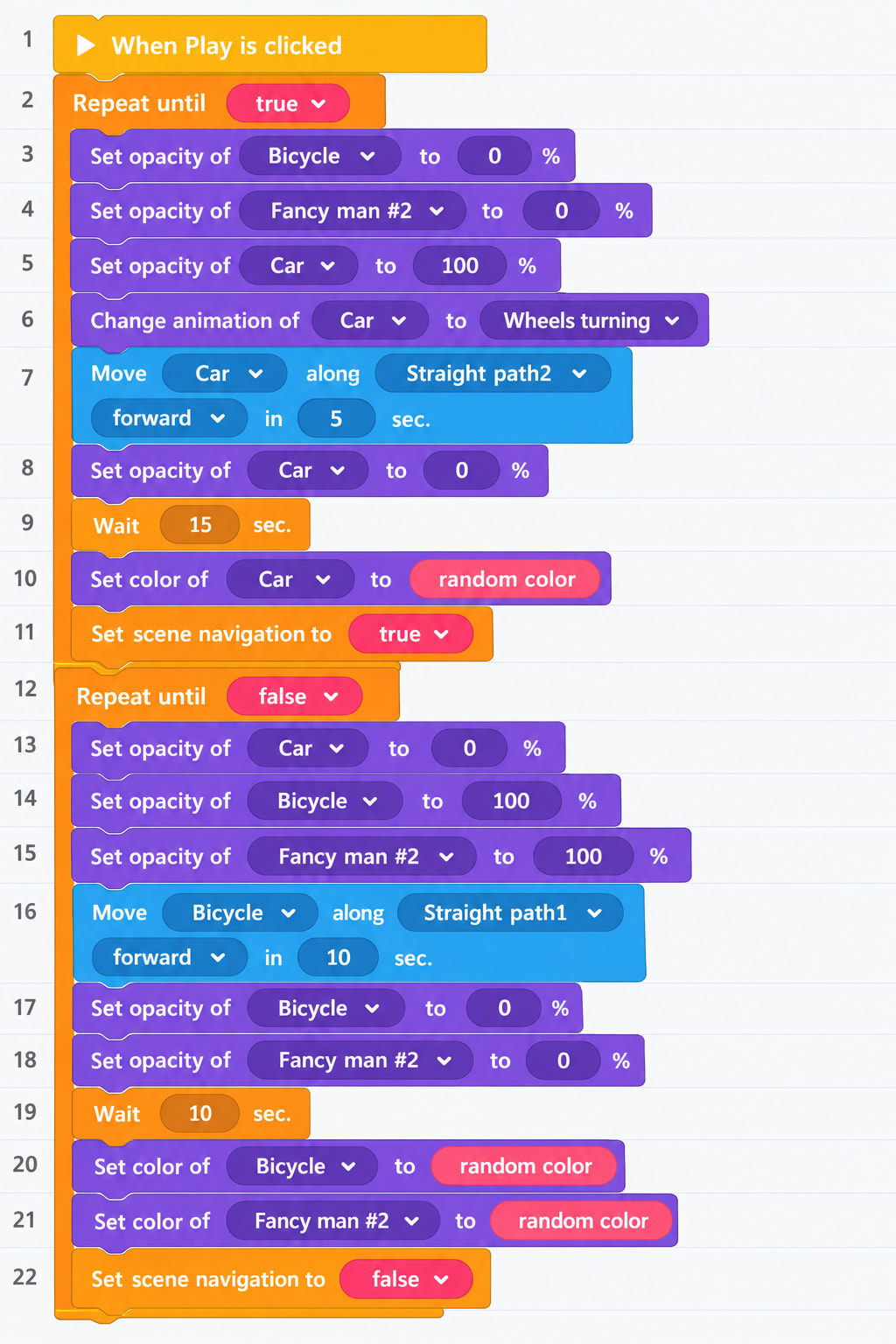
 bicycle