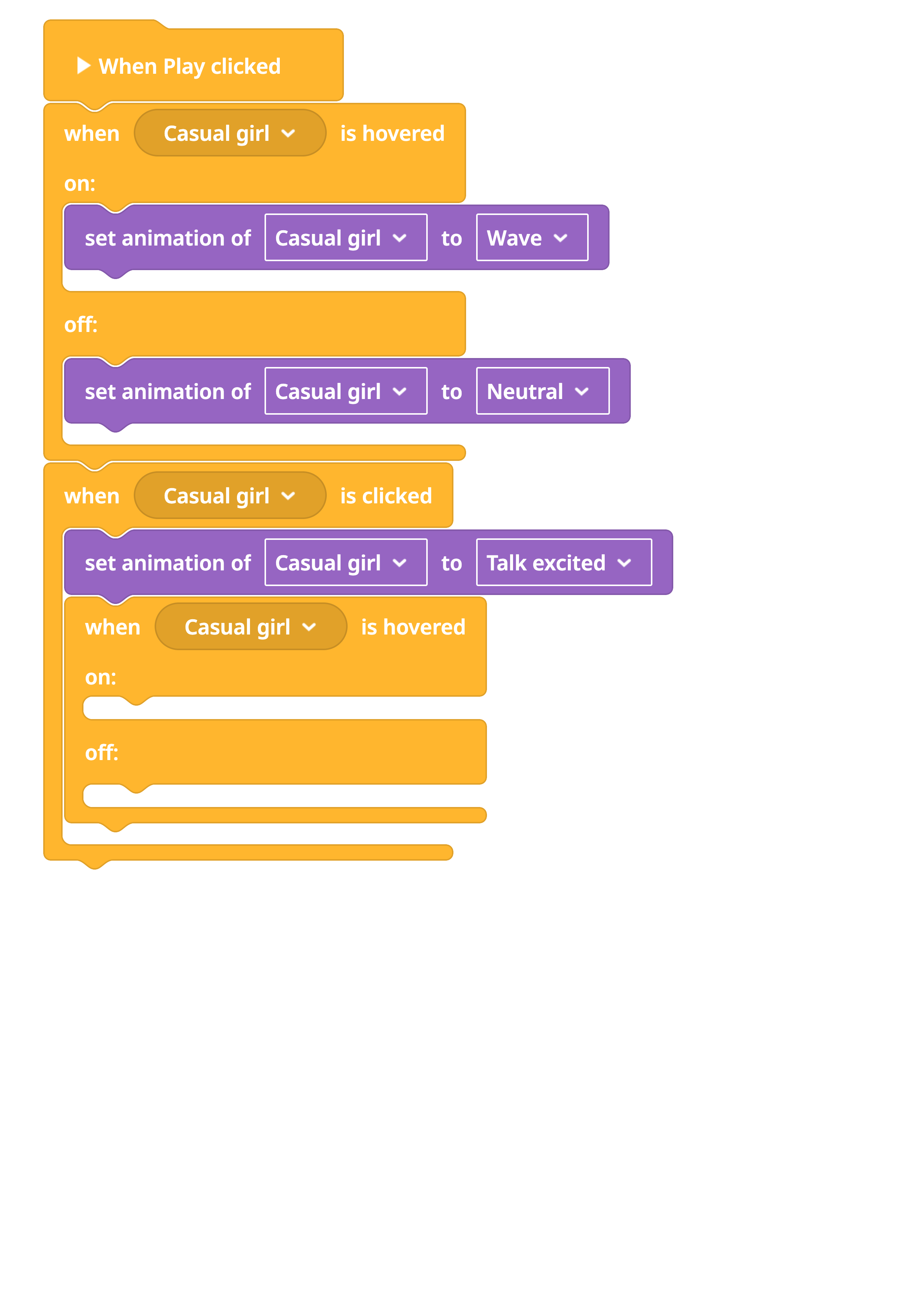
Hello 
I’m currently working on a project where I need a character to wave at you when you look at her and stop when you don’t. I got that part - but then I want this action to fully stop, once you clicked on her to start a conversation and her animation changes to talking. I tried using true/false, variables or when/if, but everytime I start the conversation and click on her, she starts talking, but when I hover over again she starts waving again.
So basically, I cant break out of the loop of waving when hovering over her after I clicked on her to stop this animation.
Do you have any tips on which coblocks to use? Maybe the order is important or what to combine?
Thank you in advance