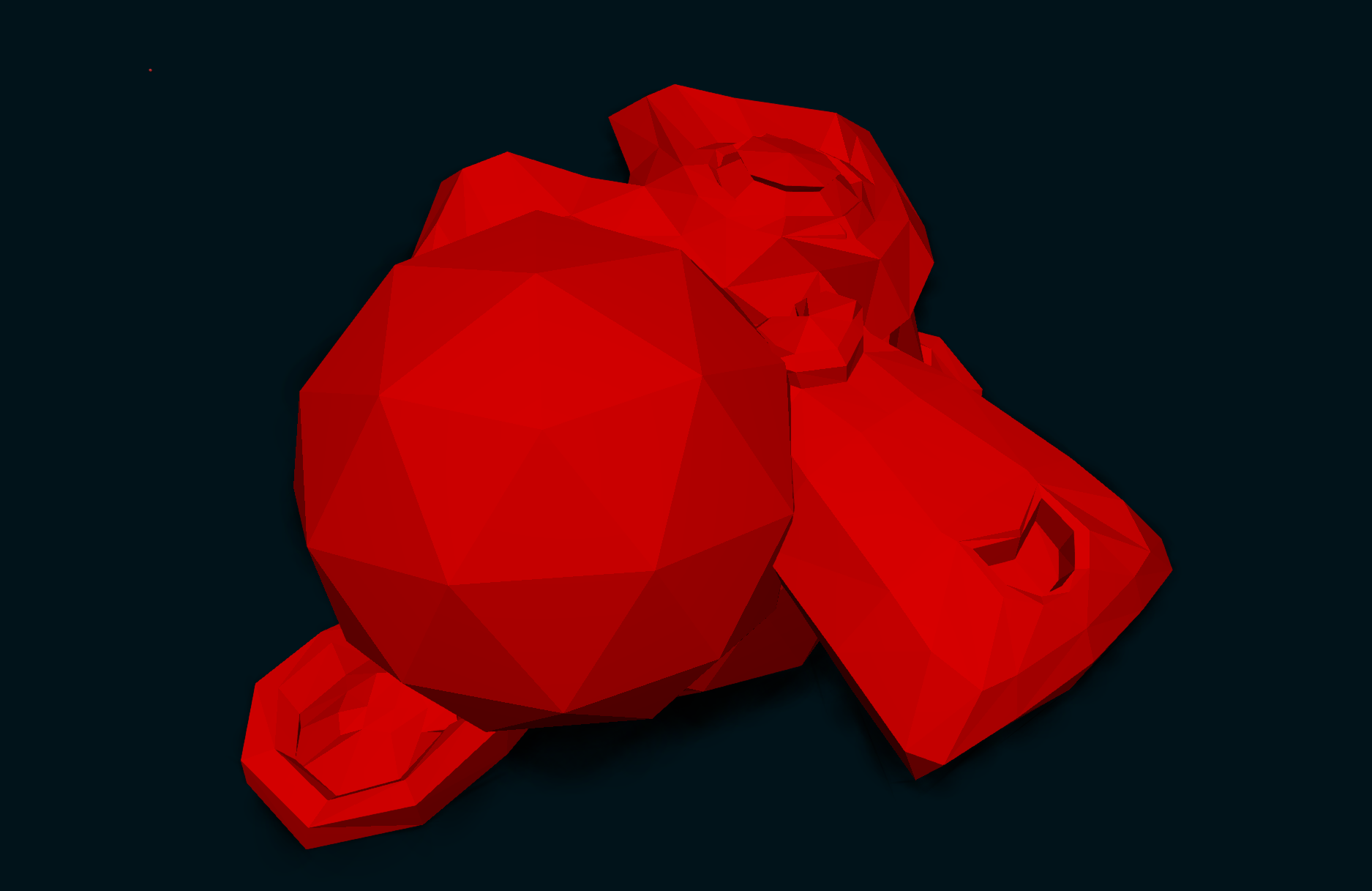
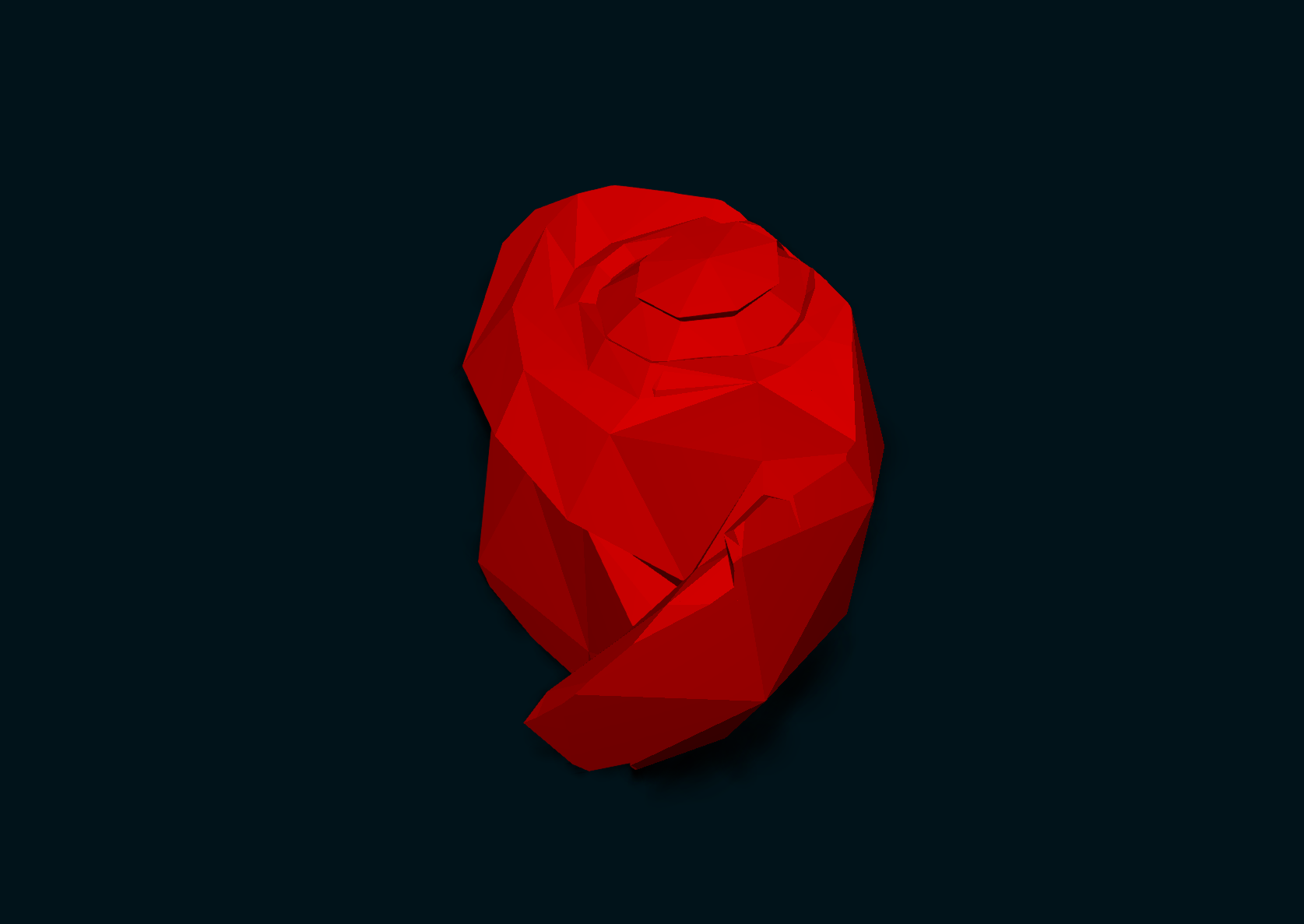
I’ve been working on a Constructive Solid Geometry (CSG) system that runs entirely at game time inside Delightex Edu and Delightex Nova .
Note: Mesh complexity determines the execution time for CSG operations; this process typically takes about 2–3 minutes for complex meshes.
The goal is to bring real-time solid modeling into a platform that doesn’t normally provide a native CSG system.
Instead of creating and editing the geometry before importing it, this system can take multiple 3D solids and perform operations such as:
Union — combine two solids
Difference — subtract one solid from another
Intersection — keep only the overlapping volume
The resulting geometry is generated during runtime and can then be used by the game.
Constructive solid geometry (CSG; formerly called computational binary solid geometry) is a technique used in solid modeling. Constructive solid geometry allows a modeler to create a complex surface or object by using Boolean operators to combine simpler objects, potentially generating visually complex objects by combining a few primitive ones. In 3D computer graphics and CAD, CSG is often used in procedural modeling. CSG can also be performed on polygonal meshes, and may or may not be procedural...
This project is the external of How to create arbitrary triangle ( a polygon ) in-game-time! - #4 by HenryHuy
Setup & Usage
Test.txt (924 Bytes)
Polygon.txt (12.1 KB)
ModelLoader.txt (13.1 KB)
Geometry.txt (17.6 KB)
to use these file you need to copy-paste all these file into your typescript file .
union_model(triangles_a_world,triangles_b_world,new Color(0,255,0));
Currently its only available for single color no textures .
obj.txt (1.3 MB)