Hello!
I was able to have my students explore the South Korea Collection by playing the demo. However, I am not able to find the assets for them to place in their own worlds. How do I upload all the assets for them?
Thanks!
Hello!
I was able to have my students explore the South Korea Collection by playing the demo. However, I am not able to find the assets for them to place in their own worlds. How do I upload all the assets for them?
Thanks!
What is the South Korea collection?
If you cannot find the assets in the gallery, you can always import 3d models from the extended library.
Steps: press “Upload” at the bottom of your project screen. Then, press on “3D models”. Finally, press “3D object search” and type in the search bar what you are looking for.
Hi @TechLab
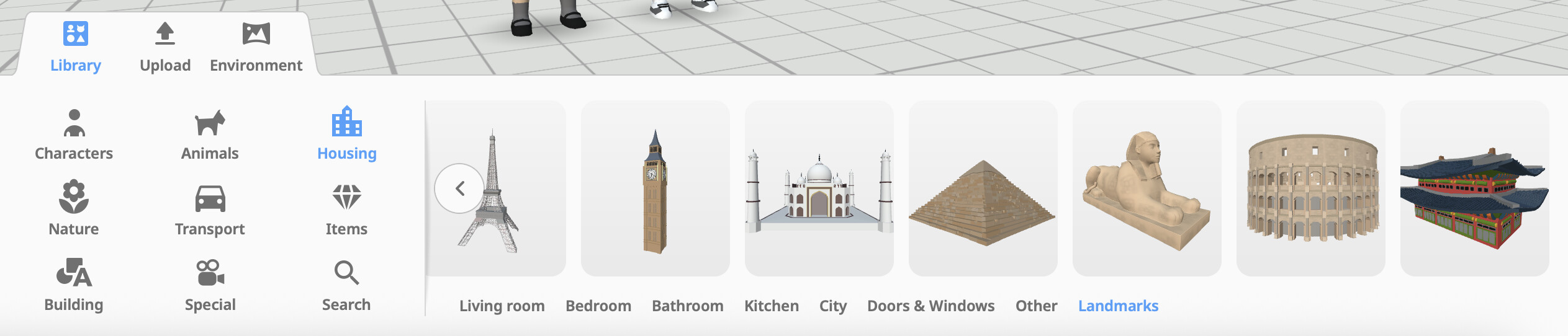
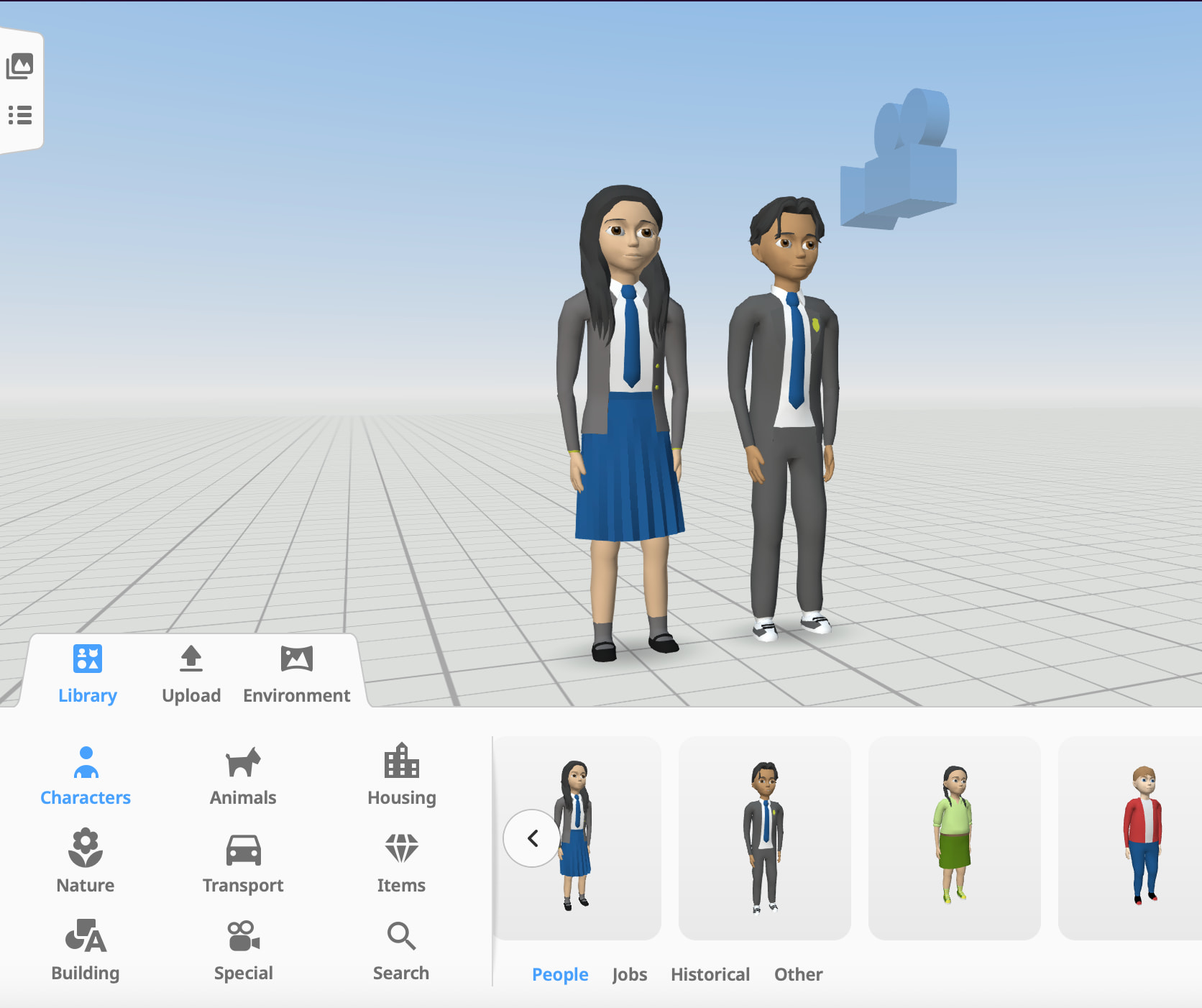
These assets are all available in our native library  You might have to scroll through them a bit before you get to the Korean assets, but they’re there:
You can also search the specific names/terms for these assets to find them more directly (you can find the names of the items in our blog post about the collection here https://blog.delightex.com/bringing-south-korean-culture-into-immersive-learning-b86ef2f4cebb)
Or you can use our South Korea Collection demo space and copy the assets directly from there as well Delightex Edu :: Korean worlds
@James_Horwitz yes! We recently released a South Korean assets collection, check out our blog to learn more about it https://blog.delightex.com/bringing-south-korean-culture-into-immersive-learning-b86ef2f4cebb