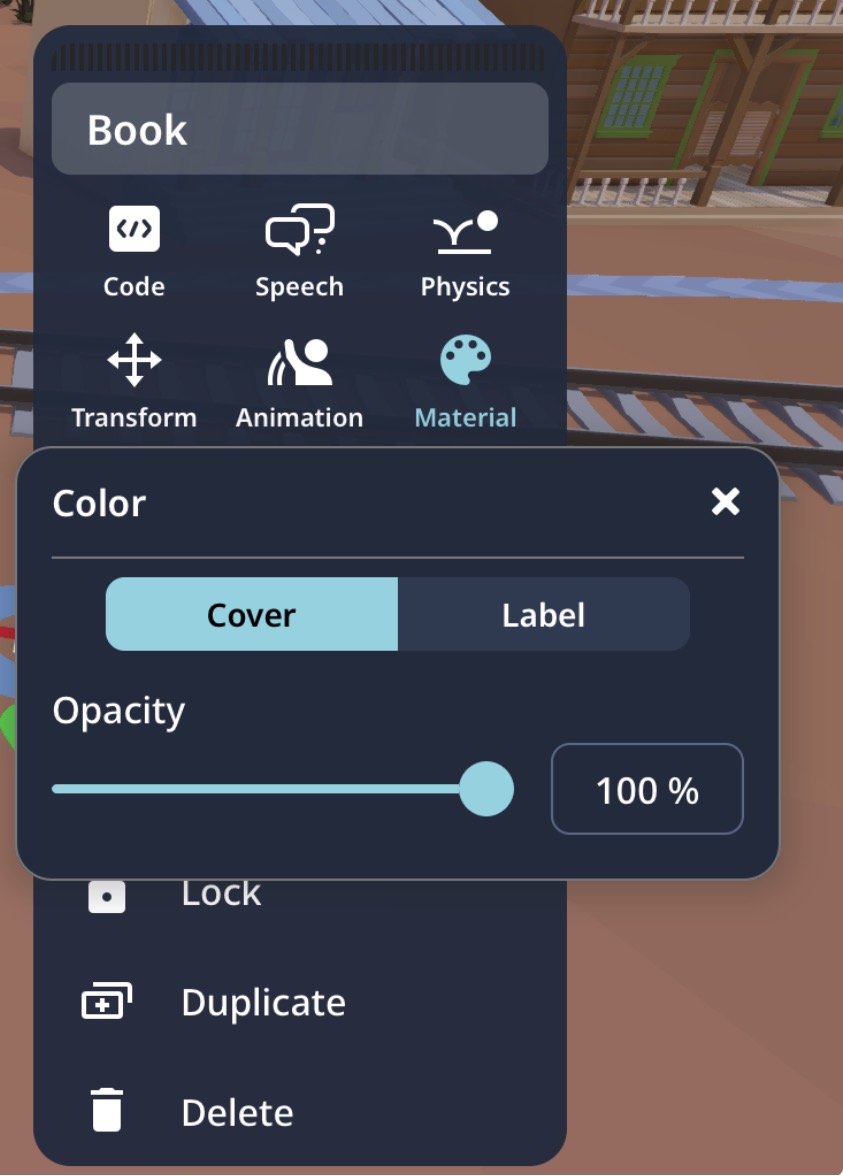
Is it possible to change the color of a book? I’m making a bookstand, and I’d prefer not to import custom books because that could lead to inconsistencies in quality. I was wondering if there’s a way to recolor the existing books, but from what I’ve seen so far, it seems like you can only adjust the transparency. Is there a way to change their actual color instead?
Im pretty sure in the purple coblocks (i forgot the name of it). Around the speaking section. The coblock is called “set colour of “Xobject to Ycolour”
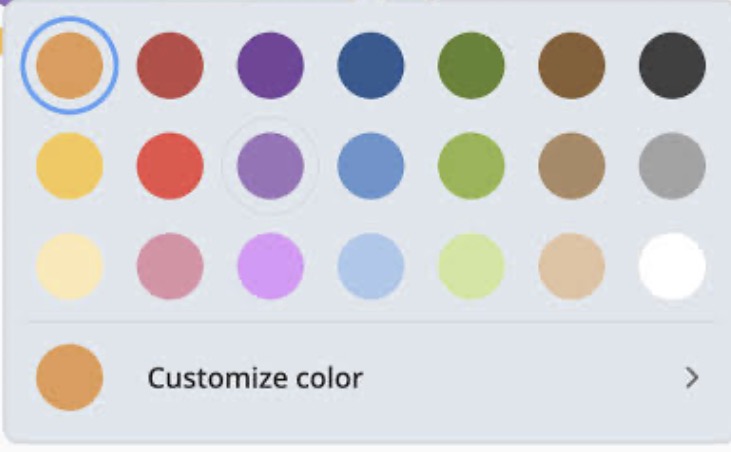
I think is call set colour coblock? Right click or double click on a item that you want to change colour.Click the colour and choose the colour you want. Use coblock set colour can be right but it take more of your time.
Yes, it seems that the second image you provided just doesn’t exist for books and i tried the first @CHENG_KA_HO and @BlackTip_codes_stuff but it just doesn’t want to change… so idk what to do next
You can’t change your colour of the book but it won’t make a big mistake it just a colour so call Delightex team to make it can change the colour of the book.Fixing this won’t be hard.But why do fright frighten truck didn’t have wheels turning animation them?Delightex need more add to an item