I am able to see “Welcome to Delightex” in my Projects as a teacher, but when students join my class they do not have the “Welcome to Delightex” project available (as they only have access to the Gallery and assignments from me). I am unable to assign the project as an assignment for my classes.
Is there any way to get students to access the “Welcome to Delightex” tutorial project?
You should be able to click on the three dots (…) next to the “Welcome to Delightex” project and click “Use as Assignment.” Then, just add it to the class in question.
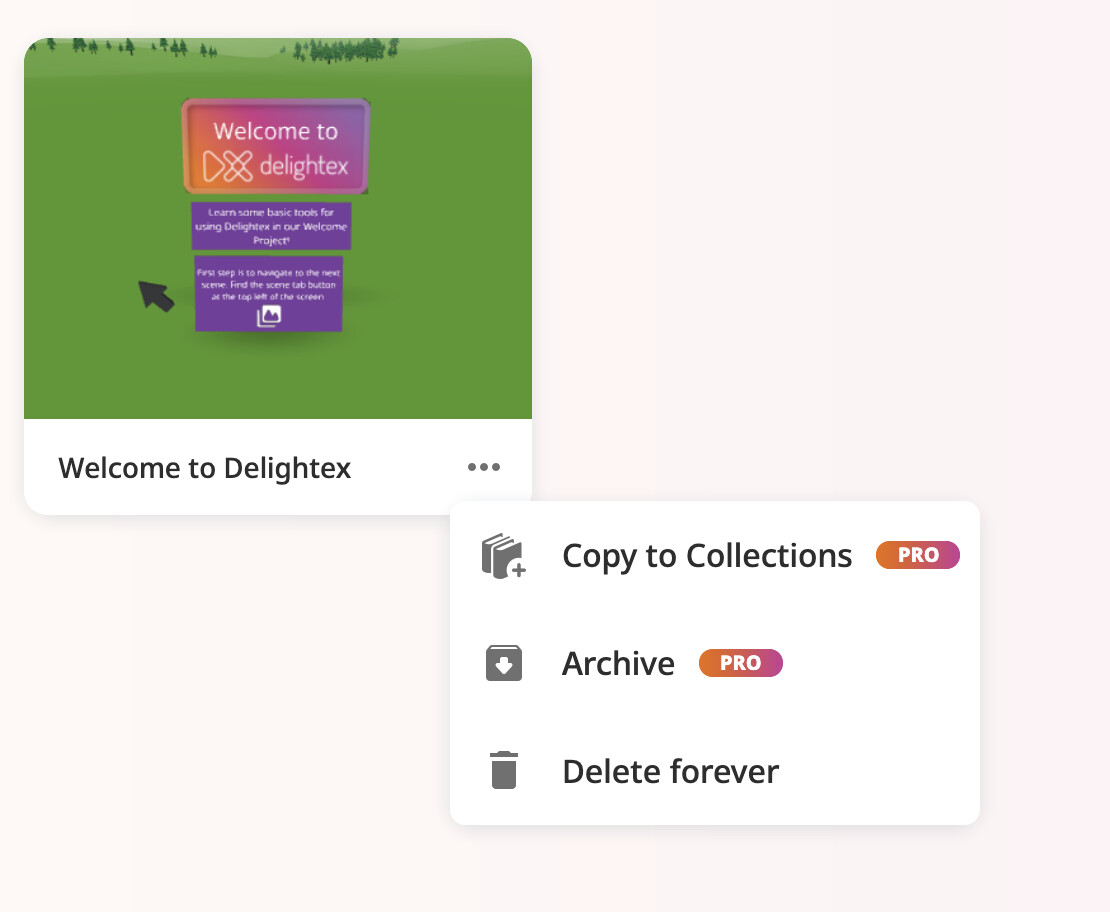
Thanks for the response! Unfortunately that doesn’t seem to be an option for the “Welcome to Delightex” project and I’m not sure why. Here are the only options I see when clicking on the three dots on the project:
 This will also allow you to assign the Project to your students.